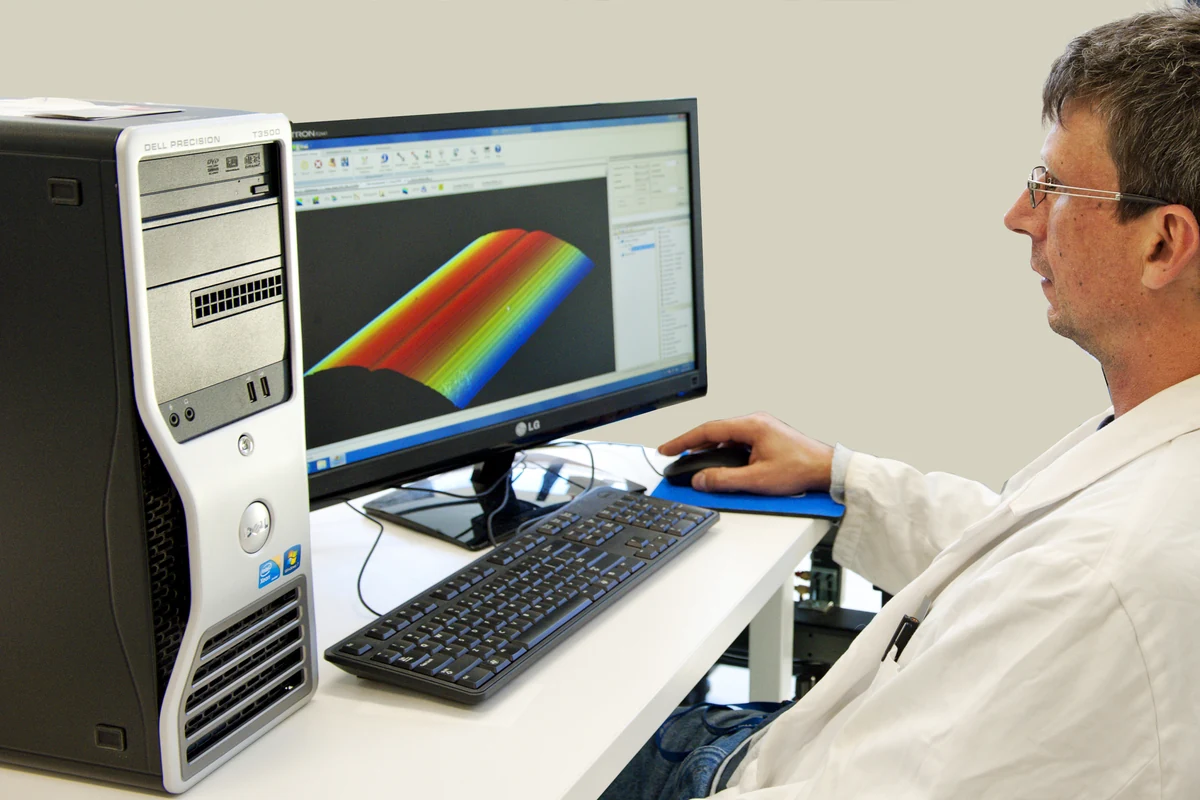
Desktop computers have spent the last decade as the least exciting category in consumer tech: faster chips, thinner bezels, the same old workflow. On November 5, Huawei tried to change that storyline with the Qingyun HM650, the company's first desktop running HarmonyOS, the system it spent years refining on phones and tablets.
The hardware story starts with the Kirin X90 processor working hand in hand with the operating system. Huawei describes the experience in refreshingly concrete terms: a one-gigabyte presentation opens in about a second, and heavy multitasking stays smooth. Rather than chasing raw benchmark numbers, the design leans on system-level resource scheduling — apps launch into an environment that has already been arranged for them.
The AI assistant is where the real ambition shows. Xiaoyi Work drafts proposals and weekly reports and coordinates tasks across devices, absorbing the most repetitive parts of knowledge work. Xiaoyi Huiji records meetings in a fully local mode, so sensitive conversations never leave the machine. And a deep-research mode uses multiple cooperating agents to produce more reliable answers. Efficiency, privacy, trustworthiness — three qualities companies actually evaluate when they shop for AI tools.
Security gets its own chapter. The HM650 ships with chip-level disk encryption, controllable data access and encrypted file sharing. More notable is how AI itself is fenced in: an on-device system-level sandbox combined with a device-cloud coordination scheme gives every agent task explicit permission boundaries. What an assistant can read, open or send becomes an auditable process rather than a black box.
There is also an enterprise edition, and it may matter more than the consumer story. It adds centralized device management, hardened security policies and a dual-space design that cleanly separates a work identity from a personal one on the same machine. IT departments can manage policies for hundreds of machines at once instead of visiting desks one by one.
The cross-device features that made Huawei phones famous finally reach the desk. Files drag between phone and desktop, half-finished notes continue on the big screen, large transfers move directly between devices over Huawei Share. Anyone who has ever emailed a file to themselves as a primitive transfer protocol knows exactly how much friction disappears.
Power consumption has entered the sales pitch too: the machine carries a new national energy-efficiency certification, with typical annual usage measured at 73 kWh. Desktops have long been treated as appliances nobody counts, but as office electricity and carbon accounting get itemized, the power column of a procurement spreadsheet is quietly becoming a decision factor.
The industry-level significance is the route it validates. Instead of optimizing a desktop system inside its existing ecosystem, Huawei imported the distributed architecture it built for mobile: one system base across phone, tablet and desktop means developers adapt an app once and get consistent behavior on all three. That is a genuine structural change, not a marketing line.
The honest caveats deserve space too. Professional software ecosystems take years to migrate, and heavy users of specialized desktop applications will not switch for nicer handoff features alone. Peripheral compatibility, industry-specific workflows and IT habits all favor the incumbents. The HM650 is best understood as a mature starting point for institutions rather than a pitch to replace every office PC tomorrow.
Still, the direction it points is one consumers will feel soon. On-device AI assistants, cross-device continuity and system-level security tend to trickle down from institutional products within a product cycle or two. The metric that defines a good desktop may shift from processor model to a simpler question: does it come with an assistant that actually does the work? For the first time in years, that is a question worth asking about a desktop computer.
Comments